
Text-first random chat
Chat freely—no camera needed
Want random conversations without video or profiles? BuzzChat gives you fast, text-only chat with flexible privacy and easy rematch.
For the full random chat guide, visit random chat.
Start random chat without sign-up, no camera pressure, and private text-first conversations with strangers.
Getting started
ad
Ways to start
Start a quick random chat, pick text-only mode, or scroll posts—BuzzChat makes meeting new people easy and pressure-free.
Schnelle Zuweisung, neue Kontakte und einfache Wiederverbindung.
Reines Text-Matching ohne Kamera- oder Sprachdruck.
Datenschutz-fokussierter Chat mit nur einem Spitznamen.
Lerne neue Leute kennen – mit einfacher Netiquette und klaren Grenzen.
Light, playful text conversations to test chemistry without the pressure.
Verwandle einen flachen Moment in einen schnellen Text-Chat.
BuzzChat difference
Text-first, always anonymous, and designed for easy discovery—BuzzChat lets you meet strangers on your own terms.
Skip the camera and dive straight into chat—perfect for real conversations without video anxiety.
Use any nickname—no need to reveal your real name or link your identity to a chat.
Begin chatting in seconds—no sign-up, emails, or phone numbers ever required.
Get matched with a stranger instantly and chat as long (or short) as you like.
Share and discover posts without linking back to your identity—see interests before you chat.
Easily report, hide, or leave conversations. Safety Center resources always available when you need guidance.
Use BuzzChat easily on your phone or desktop—anonymous chat is just a click away.
ad

Text-first random chat
Want random conversations without video or profiles? BuzzChat gives you fast, text-only chat with flexible privacy and easy rematch.
For the full random chat guide, visit random chat.
Sign-up
BuzzChat: None
Other Apps: Email or social login
Identity
BuzzChat: Anonymous
Other Apps: Profiles first
Chat type
BuzzChat: Text + images
Other Apps: Video-first apps
Start time
BuzzChat: Seconds
Other Apps: Setup before chat
Cost
BuzzChat: Free
Other Apps: Ads or subscriptions
What it is for
Beyond one button
BuzzChat isn’t just a random chat app—explore posts, browse profiles, or keep things private when you click with someone.
Chat instantly using a nickname—no real info, just natural conversation.
Get paired for text chat, skip the video, and stay as long as the chat’s good.
Browse simple posts to see what others are saying—find interesting matches before you message.
Check out quick profiles for shared interests—no personal details or bios required.
Switch to private chat with someone when the random match turns into a real connection.
Safety and privacy
Stay safe—keep control of what you share, who you talk to, and when you move on.
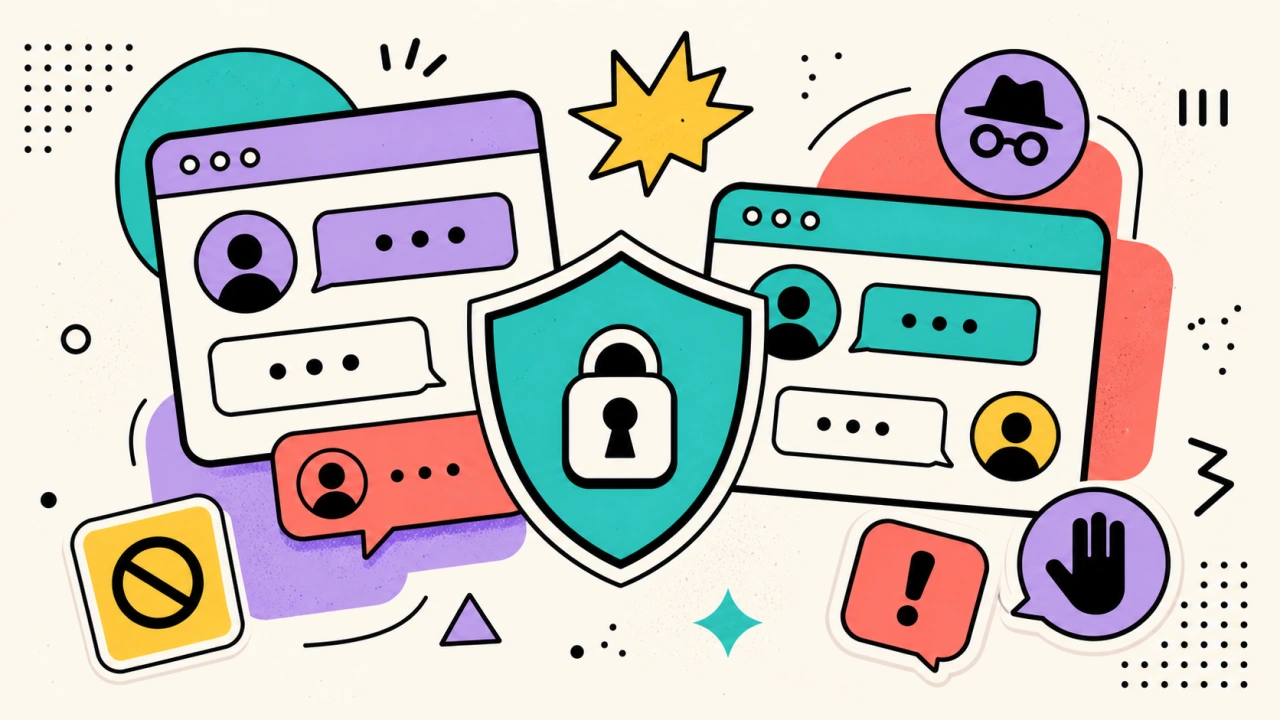
Use a nickname—it’s your shield. Only share personal details if you truly trust the other person.
Think twice if asked to chat elsewhere; many risks start outside BuzzChat.
If someone crosses a line, use the report or hide options—staff review all flagged content.
ad
Learn more
Instant openers, simple follow-ups, and easy ways to restart if there’s an awkward pause.
The basics—how to use nicknames, match, and leave chats safely.
See common risks, real red flags, and how to spot issues before you reveal too much.
Reporting rules and straightforward advice for staying safe and comfortable on BuzzChat.
Read practical guides on anonymous chat, privacy habits, conversation tips, and safety.
This page collects the public reading that makes BuzzChat easier to judge and easier to use: core explainers, privacy and safety pages, and recent long-form articles from the editorial library.
Latest reads

Praktische Datenschutzgewohnheiten, die Ihnen helfen, anonyme Chats zu genießen, ohne mehr über sich preiszugeben, als Sie wollten.

Manche Fragen zerstören den Trost oder verraten zu schnell zu viel. Hier erfahren Sie, wie Sie sie vermeiden und was Sie stattdessen fragen sollten.

Wie Introvertierte anonymen Chat bequem nutzen können, mit besserem Tempo, sichereren Grenzen und weniger sozialem Druck.
FAQ
BuzzChat is a free, anonymous chat app where you can meet strangers safely through instant text chat, anonymous posts, and private conversations with no sign-up.
Yes—BuzzChat is completely free to use, and you don’t need to buy anything or subscribe to start chatting.
No account needed. Choose any nickname to start chatting—no email, phone, or personal info is required.
Absolutely. Just tap to start a text chat with a randomly paired stranger—no setup required.
BuzzChat is strictly text-first, with optional images—ideal if you want to talk, not video call.
Yes—just pick a nickname and begin. Your real identity is never shown during chats.
BuzzChat offers reporting, hiding, and Safety Center tools, but always keep personal info private and leave any chat that feels risky.
Yes, BuzzChat works smoothly in your mobile or desktop browser—just open it and start chatting.
Ready when you are
Connect with strangers in free, text-first chats—no sign-up, no hassle. Jump in whenever you’re ready.